Dealing with a landlord dispute or eviction can be stressful—but understanding your rights under Texas law can make all the difference. A thorough move-in inspection, documented with a comprehensive tenant move in checklist template, is one of the most powerful tools you have. It is not just a formality; it is a critical piece of evidence that protects landlords from false damage claims and ensures tenants get their security deposits back fairly. In Texas, this documentation is essential for upholding your rights under the Texas Property Code, particularly concerning security deposit deductions.
This guide provides more than just a list of templates; it offers a step-by-step plan to help you navigate the move-in process with confidence. We have compiled the best resources, from fillable online forms to printable PDFs, each selected to help you create a detailed record of your rental property's condition. For each resource, you will find screenshots, direct links, and practical guidance on how to use it effectively, whether you are a tenant documenting pre-existing wear and tear or a landlord establishing a baseline for the tenancy.
By starting the landlord-tenant relationship with clear, agreed-upon documentation, you can secure your financial interests and build a positive foundation. This article will show you exactly how to do that, providing the specific tools and legal context needed to protect your rights as a Texas landlord or renter. You will learn how to properly complete an inventory and condition form, what the law requires, and how to avoid common disagreements over damages and security deposits.
What the Texas Property Code Says About Your Security Deposit
While a precise tenant move in checklist template is the first line of defense in preventing security deposit disagreements, disputes can still happen. When they do, having a Texas landlord-tenant lawyer who specializes in Texas landlord-tenant law is critical. The Law Office of Bryan Fagan, PLLC offers a focused service specifically for tenants whose landlords have improperly withheld security deposits, providing a clear path to resolution backed by deep knowledge of the Texas Property Code. This service is not a template, but a powerful resource for tenants after the fact.

Our firm's process is designed for action. It begins with a free consultation where an attorney reviews your lease, move-in and move-out inspection records (including photos and checklists), and all communications with your landlord. This initial review helps determine the strength of your case and outlines a practical strategy, which may include sending a formal demand letter, negotiating a settlement, or filing a lawsuit to recover your funds. Our expertise is especially valuable in deciphering what constitutes “normal wear and tear” versus actual damages under Texas law—a frequent point of contention.
For example, a landlord might try to deduct the cost of repainting an entire apartment from your security deposit. However, if you lived there for several years, faded paint is generally considered "normal wear and tear." Your move-in checklist, with photos, proves the walls were not damaged when you moved in, strengthening your case. This is where an experienced eviction attorney can make all the difference. You can learn more about the specific Texas security deposit laws on our website to better understand your rights.
Key Strengths
- Texas-Specific Legal Expertise: Deep, practical knowledge of the Texas Property Code, including strict timelines for deposit returns and requirements for itemized deductions.
- Action-Oriented Process: A clear, step-by-step approach from a free initial consultation and document review to demand letters, negotiation, and, if necessary, litigation.
- Client-Focused Communication: Attorneys provide plain-language explanations of your rights, potential outcomes, and associated costs so you can make informed decisions.
Limitations
- Our service is geographically limited to landlord-tenant disputes within the state of Texas.
- While we advocate firmly for clients, a successful recovery of the full deposit is not guaranteed and may require court action with associated fees.
Visit Texas Security Deposit Disputes
2. TurboTenant — Tenant Move-In Checklist
For landlords seeking a blend of traditional and digital documentation, TurboTenant provides a strong middle ground. The platform offers a free, downloadable tenant move in checklist template that covers all essential property areas. This printable PDF works well for a classic, pen-and-paper walkthrough where both you and the tenant can physically sign the document on-site.
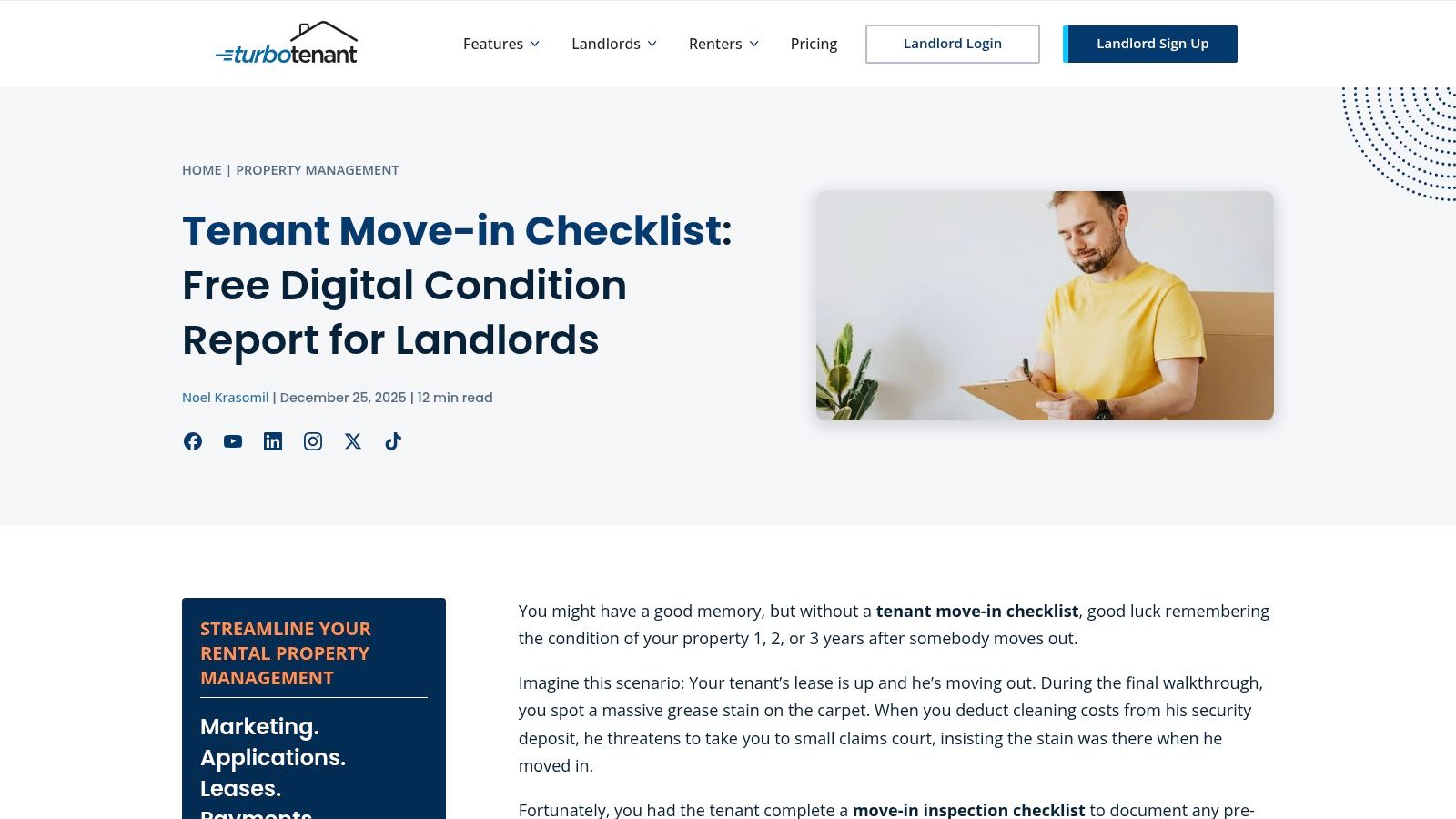
What sets TurboTenant apart is its integrated digital “Condition Reports” feature. This tool allows you to conduct the inspection on a phone or tablet, inviting the tenant to collaborate digitally. You can take photos of pre-existing damage directly within the app, timestamp them, and store everything in a centralized dashboard. This creates a clear, indisputable record tied directly to the specific lease, which is invaluable for security deposit discussions later on. Under Texas Property Code § 92.104, a landlord must provide an itemized list of deductions in writing. Having time-stamped, photographic evidence from move-in day is your best defense against claims that you failed to do so properly.
Practical Use and Considerations
- Best For: Independent landlords who manage a small number of properties and want a simple, fast way to create both paper and digital inspection records.
- Access: The basic move-in checklist is free to download. The digital Condition Reports and advanced storage features are part of TurboTenant's paid membership.
- Pros: The workflow is clean and efficient, making it easy to compare move-in and move-out reports side-by-side. Centralizing photos and signatures with the lease agreement reduces administrative burdens.
- Cons: While the checklist itself is free, accessing the more powerful digital tools and other property management features requires a subscription or incurs à-la-carte fees.
3. Avail (by Realtor.com) — Move‑In Inspection Checklist
For landlords who prefer an educational approach, Avail offers more than just a template. Their platform provides an article that guides you through the inspection process, complete with a link to a downloadable tenant move in checklist template. The resource is geared toward small, independent landlords and emphasizes best practices, such as when to deliver the form to your new tenant.
Avail’s strength lies in its simplicity and landlord-focused advice. The checklist uses a clear key for documenting the condition of items (e.g., "Good," "Fair," "Poor") and provides ample space for notes. While the template is general, it creates a solid foundation for your inspection. In Texas, a detailed and signed checklist is crucial evidence. Should a dispute over security deposit deductions arise, this document supports your itemized list, as required by Texas Property Code § 92.104. Having a clear, agreed-upon record from day one helps prevent misunderstandings about what constitutes normal wear and tear versus actual damage.
Practical Use and Considerations
- Best For: New landlords or those managing just a few properties who want straightforward, educational guidance alongside a simple, printable checklist.
- Access: The checklist template and accompanying article are completely free. The download link is located within a blog post on their site.
- Pros: The landlord-friendly language demystifies the process. If you decide to use Avail’s full software suite, this checklist system integrates with their maintenance tracking and other property management tools.
- Cons: You must find the download link within a blog page, which is less direct than other options. The template itself is a general-purpose PDF and is not tailored to Texas-specific property concerns.
4. Buildium — Free Move‑In Checklist for Property Managers
Geared toward professional property managers and landlords with larger portfolios, Buildium offers a resource that focuses on professional workflows. Their tenant move in checklist template is a free, downloadable document designed to integrate into a more structured property management process. It covers not just the physical condition of the property but also provides guidance on documentation standards and tracking repairs. This makes it an excellent starting point for establishing a repeatable inspection system across multiple units.
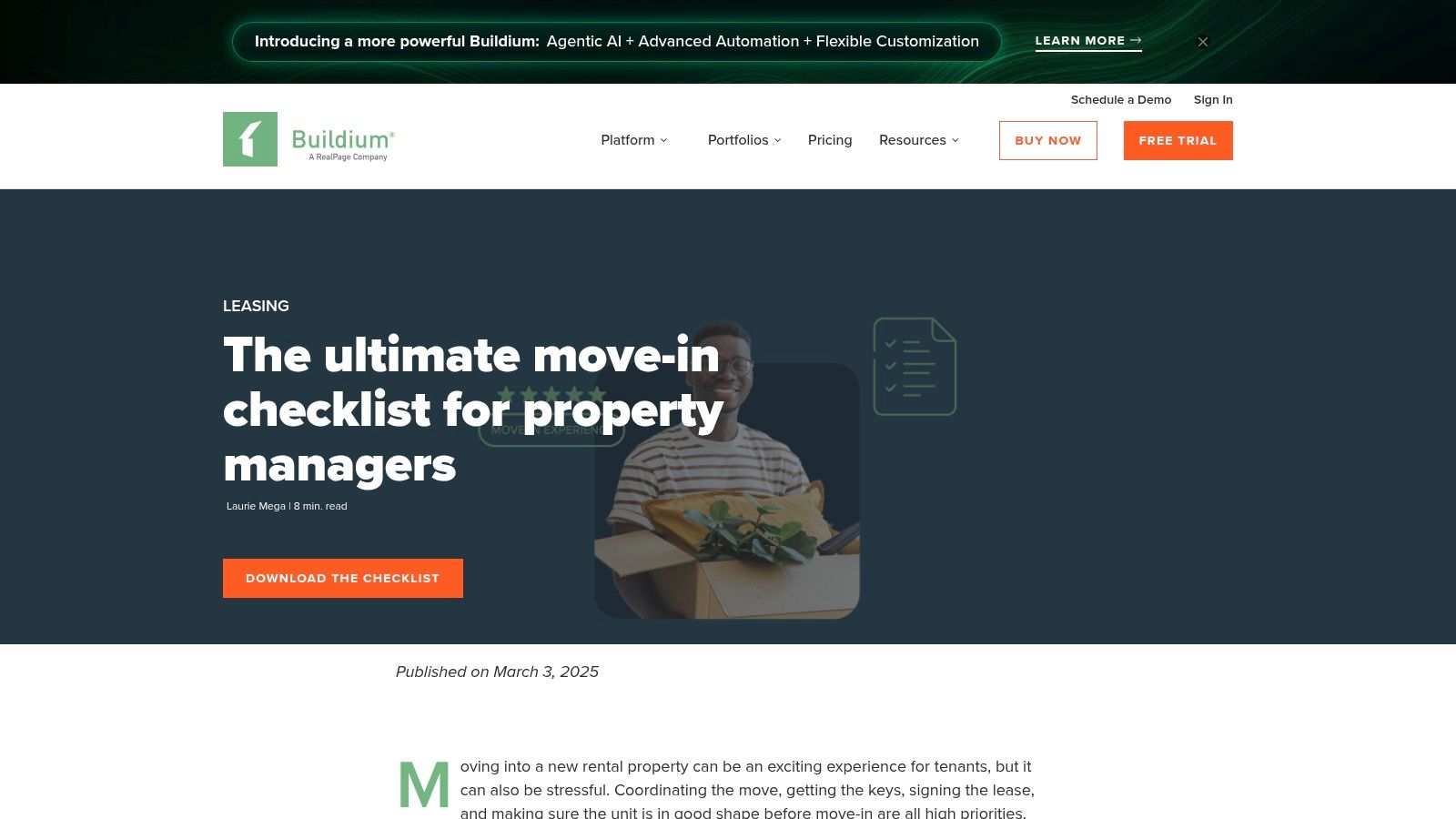
What distinguishes Buildium’s approach is its professional-grade perspective. The template is part of a larger blog post that offers practical tips on inspection best practices, helping you create a record that will hold up in a dispute. This focus on creating legally sound documentation is critical. For instance, failing to document pre-existing conditions properly could complicate security deposit deductions later on. Both landlords and tenants should understand their obligations; knowing the Texas Property Code and your tenant rights ensures you are fully compliant and protected. Buildium’s resource emphasizes creating a process, not just filling out a form.
Practical Use and Considerations
- Best For: Property managers or landlords handling multi-unit operations who need a structured, professional template to standardize their inspection process.
- Access: The checklist is a free download, though it is sometimes gated behind a call-to-action on their blog. Accessing their full digital inspection tools requires a Buildium platform subscription.
- Pros: The template's PM-grade structure is excellent for complex operations. It includes current recommendations and practical tips for an effective workflow.
- Cons: To go digital, you must use a third-party app or subscribe to the full Buildium software. The download process can occasionally require submitting contact information.
5. Zillow Rental Manager (App) — Build Your Own Digital Move‑In Checklist
For landlords already managing their properties through Zillow, the Zillow Rental Manager app offers a convenient, integrated way to handle inspections. Instead of a separate tenant move in checklist template, the app includes tools to build a digital checklist and store documentation directly within the platform. This is highly useful if you already use Zillow for listing properties, screening tenants, and managing leases, as it consolidates all your essential documents in one place.
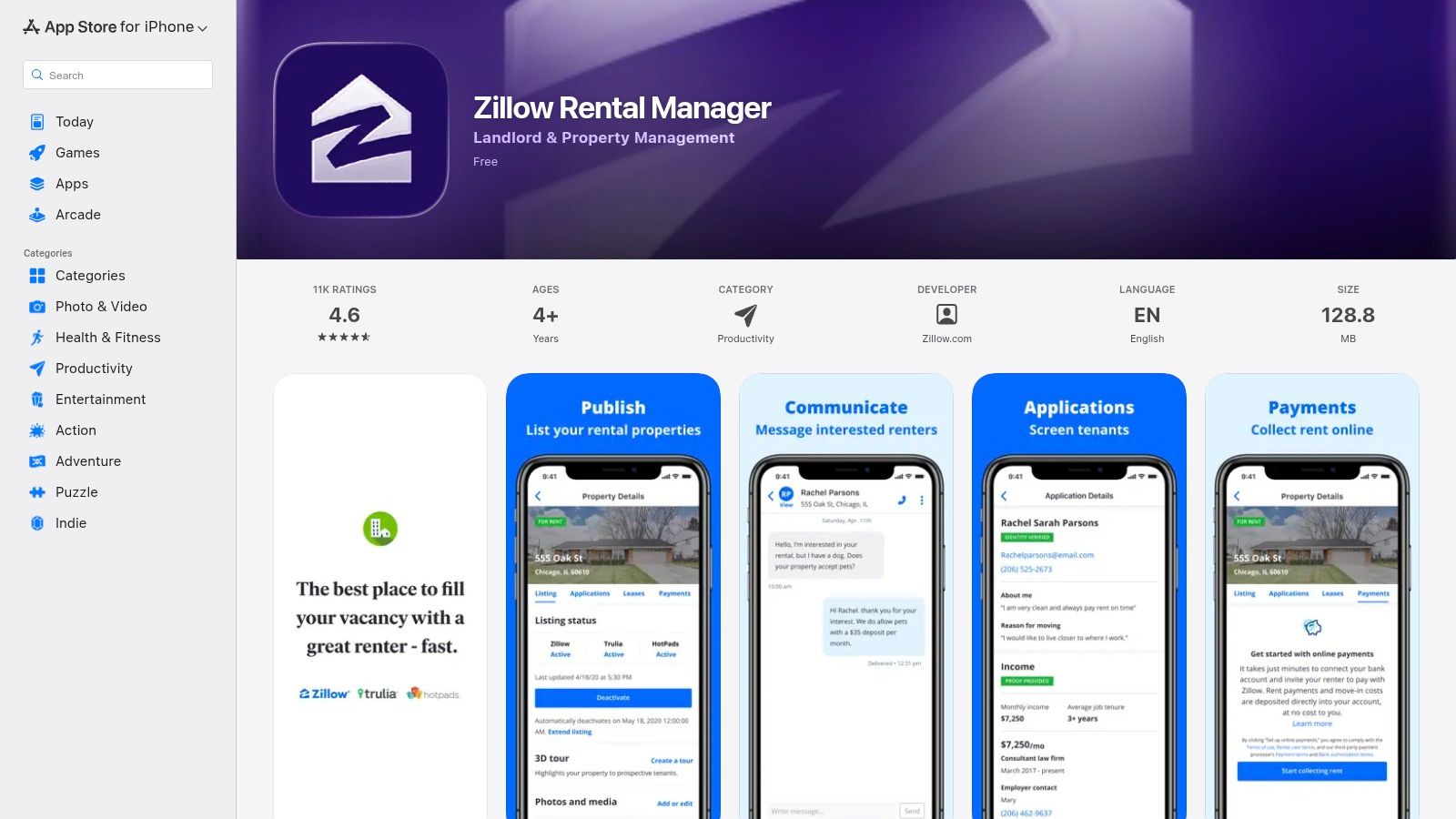
The primary advantage is its all-in-one nature. You can create the move-in inspection report, attach time-stamped photos of the property's condition, and have it all stored alongside the tenant’s application, lease agreement, and payment history. This creates a powerful, centralized record. Under Texas Property Code § 92.006, a landlord is required to provide a tenant with an inventory and condition form upon move-in. Using Zillow’s in-app feature can help you meet this requirement efficiently, creating a clear and accessible log that is difficult for either party to dispute later on.
Practical Use and Considerations
- Best For: Landlords who are already invested in the Zillow ecosystem and want to keep all property management tasks, including inspections, within a single app.
- Access: The checklist feature is part of the free Zillow Rental Manager mobile app, available on iOS and Android. Functionality is tied to your landlord account.
- Pros: Seamlessly consolidates inspection documentation with tenant records, applications, and leases. It’s an easy adoption for existing Zillow users.
- Cons: This feature lives inside the mobile app; there is no stand-alone printable PDF template. App functionality can also change, so verify the latest features before relying on it for an inspection.
6. Jotform — Move‑In Checklist Form & Template Bundle
For landlords and property management teams who need a high degree of control over their documentation, Jotform offers a powerful and flexible solution. Instead of a fixed PDF, it provides no-code, ready-made templates for a tenant move in checklist template that can be built into a mobile-friendly form, a spreadsheet-style table, or even a simple app bundle. This approach is ideal for standardizing the inspection process across multiple properties or team members.
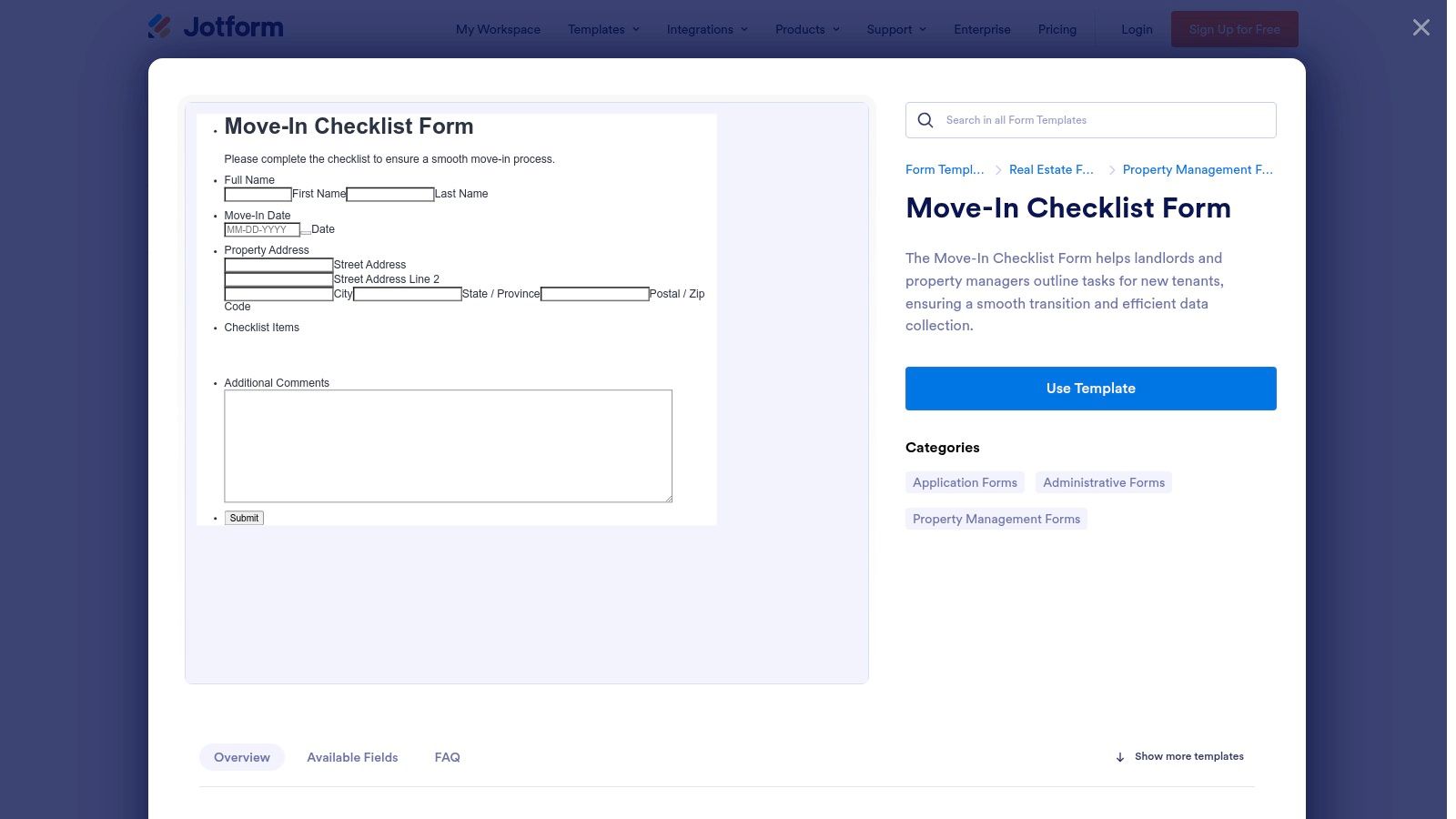
The primary advantage of Jotform is its customization. You can easily add, remove, or modify sections for specific rooms or property features without any coding knowledge. The forms are designed to capture critical evidence, with fields for photo uploads and e-signatures directly on a mobile device. This creates a detailed digital evidence packet that can be exported to PDF or CSV. In a security deposit dispute, presenting a clear, organized report with photos and signatures strengthens your position and demonstrates compliance with the documentation requirements outlined in the Texas Property Code. This organized record-keeping is vital for defending against claims of wrongfully withheld deposits.
Practical Use and Considerations
- Best For: Property managers or landlords with multiple units who want to create a standardized, fully digital, and highly customized intake process for their entire team.
- Access: A free plan is available but includes Jotform branding and has limits on submissions and storage. Paid plans offer more features and remove these limitations.
- Pros: Extremely customizable forms allow for a tailored workflow. It’s excellent for teams needing a uniform process and easy export options for record-keeping.
- Cons: The free plan’s limits on submissions and storage can be restrictive for larger operations. It requires some initial setup to tailor the templates to your specific needs.
7. Rocket Lawyer — Move‑In (Pre‑Rental) Inspection Checklist
For landlords and tenants who prioritize legal formality, Rocket Lawyer provides a robust solution. The platform guides you through a questionnaire to generate a lawyer-reviewed tenant move in checklist template tailored to your inputs. This process ensures the resulting document has a professional, legally-framed structure, which can add a layer of authority to your move-in inspection process. The final document can be downloaded, printed, or handled entirely online.
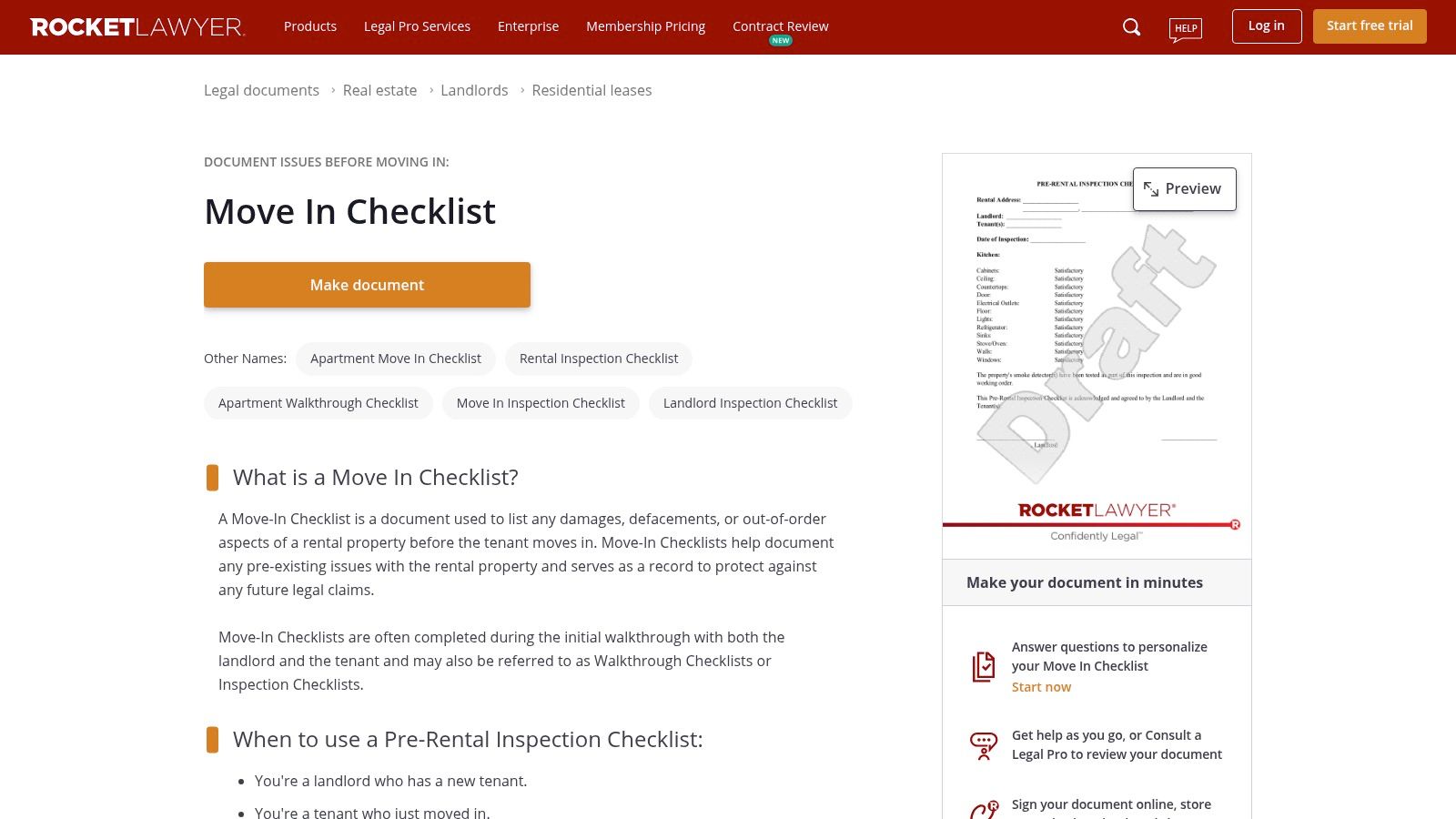
What makes Rocket Lawyer distinct is its integration of legal services with document creation. After building your checklist, you can use the platform’s built-in e-signature and sharing features to execute the agreement with your tenant digitally. All generated documents are stored in a secure cloud dashboard, creating a clear and accessible record. While the template is not Texas-specific by default, its customizable nature allows you to add fields relevant to state requirements, such as noting the functionality of smoke detectors, as mandated by the Texas Property Code. This documentation becomes a critical asset if a dispute over security deposit deductions arises, reinforcing your compliance and good faith.
Practical Use and Considerations
- Best For: Landlords or property managers who already use Rocket Lawyer for other legal documents and want to maintain a consistent, professional format for all their paperwork.
- Access: The document builder is available with a free trial, but continued access, storage, and e-signature capabilities typically require a paid membership.
- Pros: The process creates a professional, legally polished template. Integrated e-signature and cloud storage simplify remote or digital move-in procedures.
- Cons: Full functionality is behind a paywall after the trial period. The base template is generic and requires manual customization to align with specific Texas property standards.
8. LawDistrict — Free Move‑In/Move‑Out Checklist (PDF/Word)
For those who prefer a straightforward, no-frills document, LawDistrict offers a clean and simple tenant move in checklist template. The site provides the form as a free download in both PDF and Microsoft Word formats, making it exceptionally easy to customize. This flexibility allows landlords and tenants to add specific items relevant to their Texas property, such as noting the condition of a pool fence or a specific type of HVAC system.
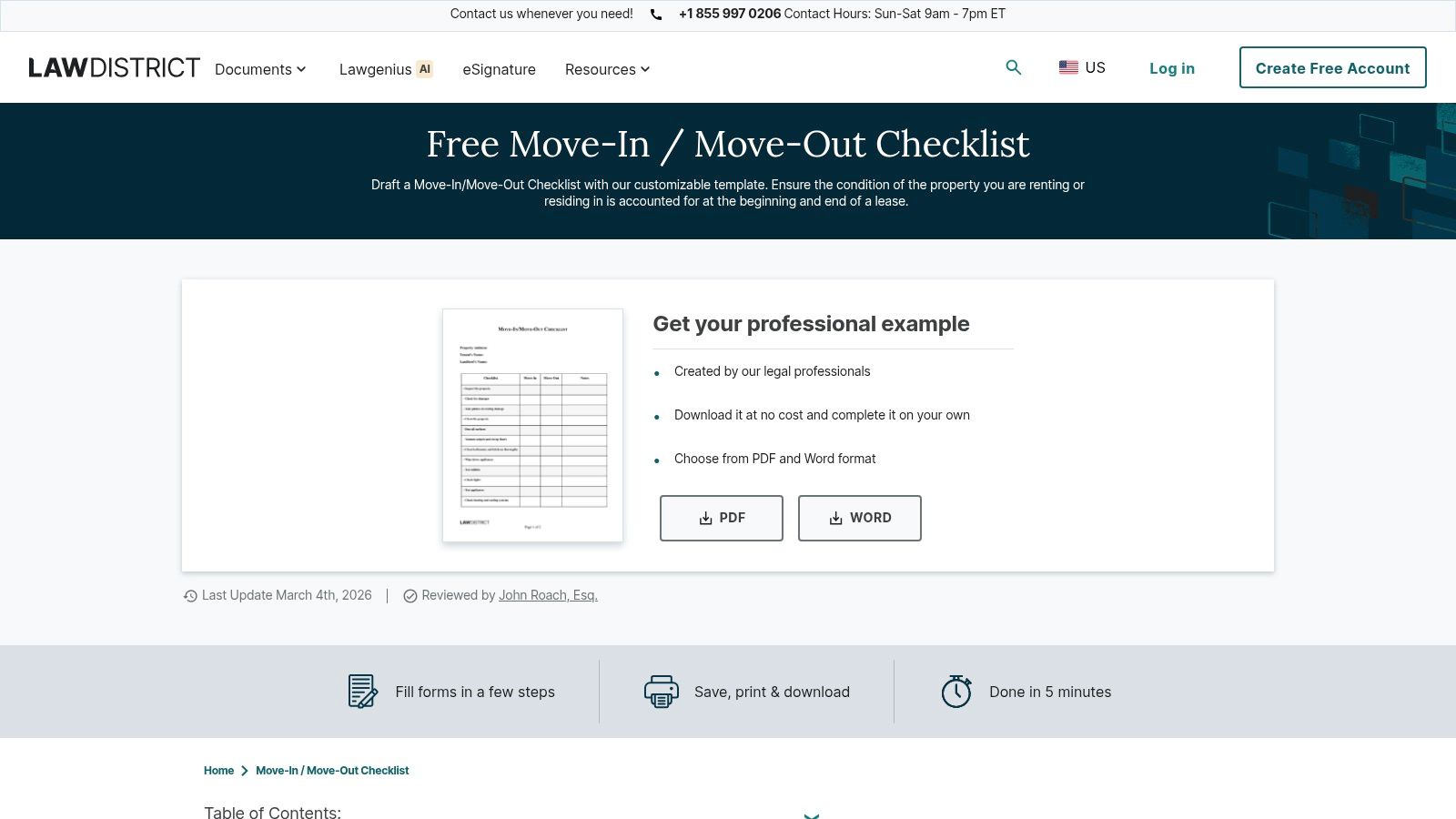
What makes LawDistrict’s offering useful is its directness and the inclusion of a table that outlines states where such checklists are legally required. While Texas law does not mandate a move-in checklist, using one is a critical best practice for documenting property condition. Under Texas Property Code § 92.104, a landlord must refund a security deposit within 30 days of the tenant moving out. Having a detailed, signed checklist from move-in day creates a baseline record that protects both parties, preventing disputes over what constitutes "normal wear and tear" versus actual damage.
Practical Use and Considerations
- Best For: Landlords and tenants who need a basic, editable document for a traditional walkthrough and want a form that is easy to modify.
- Access: The checklist is free to download in PDF and Word formats directly from the webpage without needing an account.
- Pros: The editable Word format allows for complete customization to fit any property. Quick download access without navigating complex menus is a significant advantage.
- Cons: The template is very general and lacks Texas-specific details. While the core site provides helpful legal forms, some features may prompt you to create an account.
9. DoorLoop — Free Move‑In Checklist and Rental Inspection Checklist
For property managers integrated into a software ecosystem, DoorLoop offers a straightforward resource that aligns with their platform. The company provides a free, downloadable tenant move in checklist template that is well-structured for traditional walkthroughs. It includes itemized sections for every room, with dedicated space for condition notes and signatures from both the landlord and tenant, making it a solid choice for creating a baseline paper record.
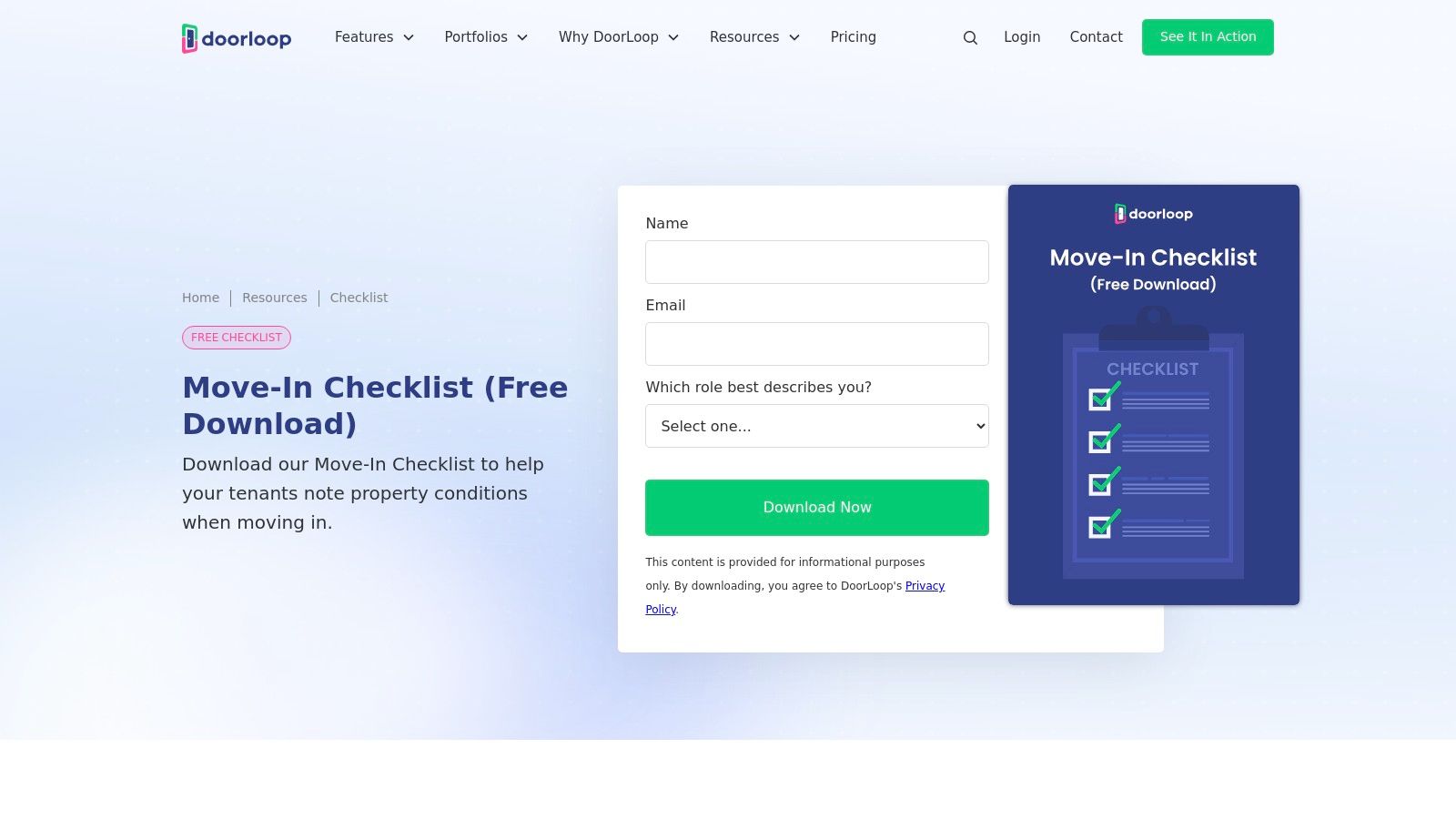
While the template itself is a simple PDF, its real value emerges when used alongside DoorLoop’s full property management software. The checklist’s prompts for photos and detailed notes encourage a documentation process that can be easily digitized and uploaded into the platform. In Texas, this level of detail is critical. Under Texas Property Code § 92.152, a landlord has a duty to make repairs that affect the physical health or safety of an ordinary tenant. A detailed move-in checklist provides the tenant with dated proof of the property's initial condition, which is essential evidence should a dispute over necessary repairs or security deposit deductions arise later.
Practical Use and Considerations
- Best For: Landlords and property managers who already use or are considering the DoorLoop software and want a compatible, standard checklist for their move-in process.
- Access: The PDF checklist is free, but you must provide an email and other contact information through a form on their website to receive the download link.
- Pros: The checklist features a clean, organized layout with clear, itemized sections that simplify the documentation process. It serves as a good entry point to the features available in their larger software suite.
- Cons: Access is gated behind a lead-capture form. The template is generic and not tailored to Texas-specific requirements, so it may need supplementation for full legal protection.
10. Texas Apartment Association — Inventory & Condition Form (Sample)
For landlords and tenants wanting a template that mirrors what major Texas property management companies use, the Texas Apartment Association (TAA) provides a valuable reference. The TAA publishes a sample Inventory and Condition Form that reflects common industry practices and clauses specific to the Texas rental market. While the official, fillable forms are a member-only benefit, this public sample is an excellent guide for structuring your own legally compliant document.
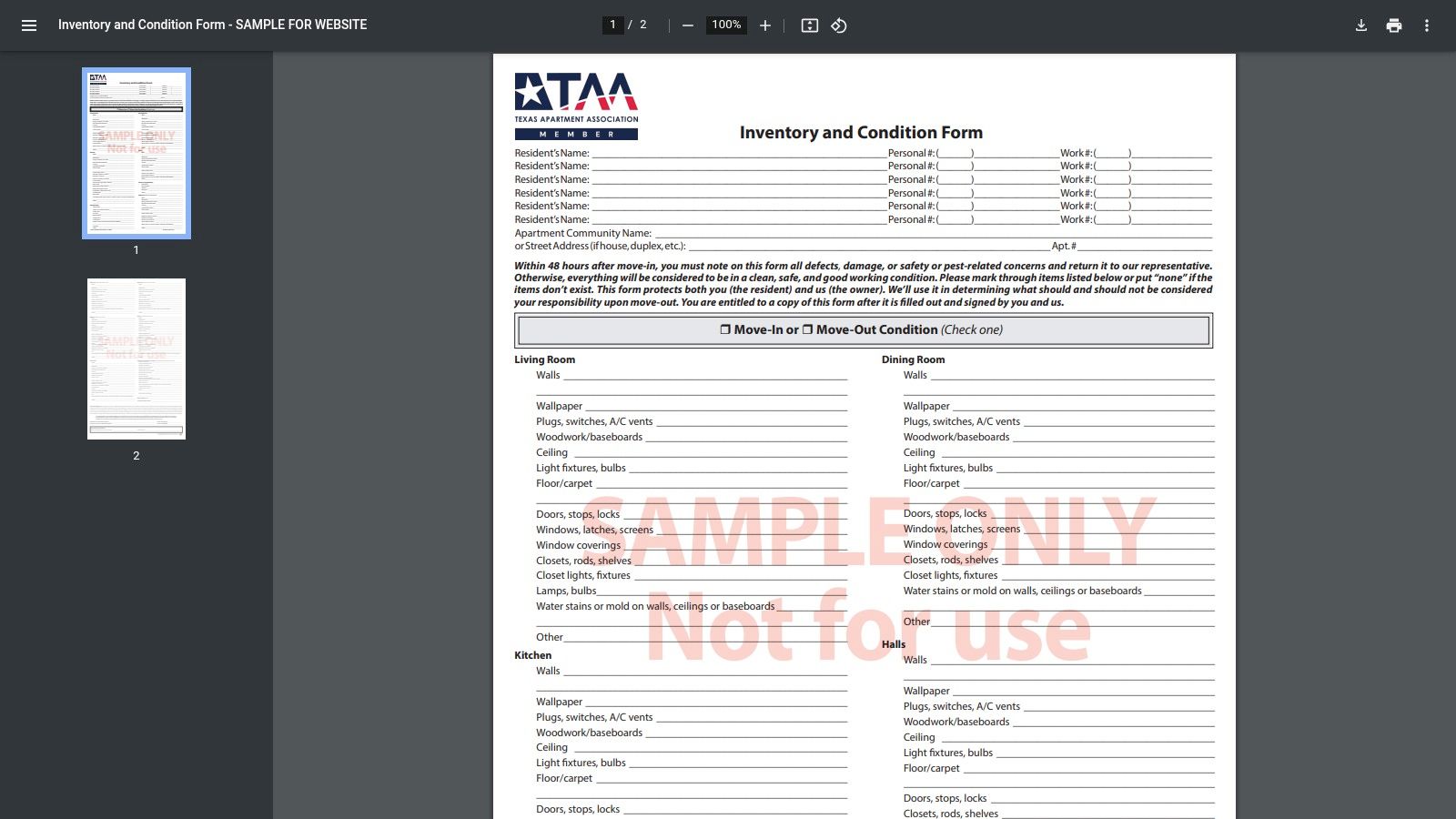
The form’s layout is designed for efficiency, combining move-in and move-out condition columns on a single page. This makes it straightforward to compare the property's state at the beginning and end of the lease, which is critical for security deposit dispositions. The sample includes signature lines and unit-by-unit sections that align with the requirements of the Texas Property Code. For example, Texas law gives tenants a right to receive a copy of this form, and using a format they are likely to recognize from previous rentals can simplify the move-in process and reduce potential confusion.
Practical Use and Considerations
- Best For: Texas landlords creating a custom checklist or tenants who want to understand the format used by large apartment complexes.
- Access: The sample form is free to view and download, but it is watermarked and not intended for direct use. Official TAA forms require a paid membership.
- Pros: The layout is directly aligned with Texas rental industry standards, making it a powerful reference. It helps ensure your checklist contains the clauses and structure that property managers in the state commonly use.
- Cons: You cannot use the sample form as-is; it is for educational purposes only. Accessing the official, usable TAA documents requires a paid association membership.
Visit Texas Apartment Association
11. RocketRent — Free Move‑In/Move‑Out Checklist (PDF, Word, Google Doc)
For landlords and tenants who prefer maximum flexibility, RocketRent delivers a straightforward and highly adaptable solution. The platform provides a free, downloadable tenant move in checklist template available in PDF, Microsoft Word, and Google Docs formats. This variety is its biggest strength, allowing users to quickly choose their preferred format, make edits, and print it for a traditional walkthrough or use it digitally.
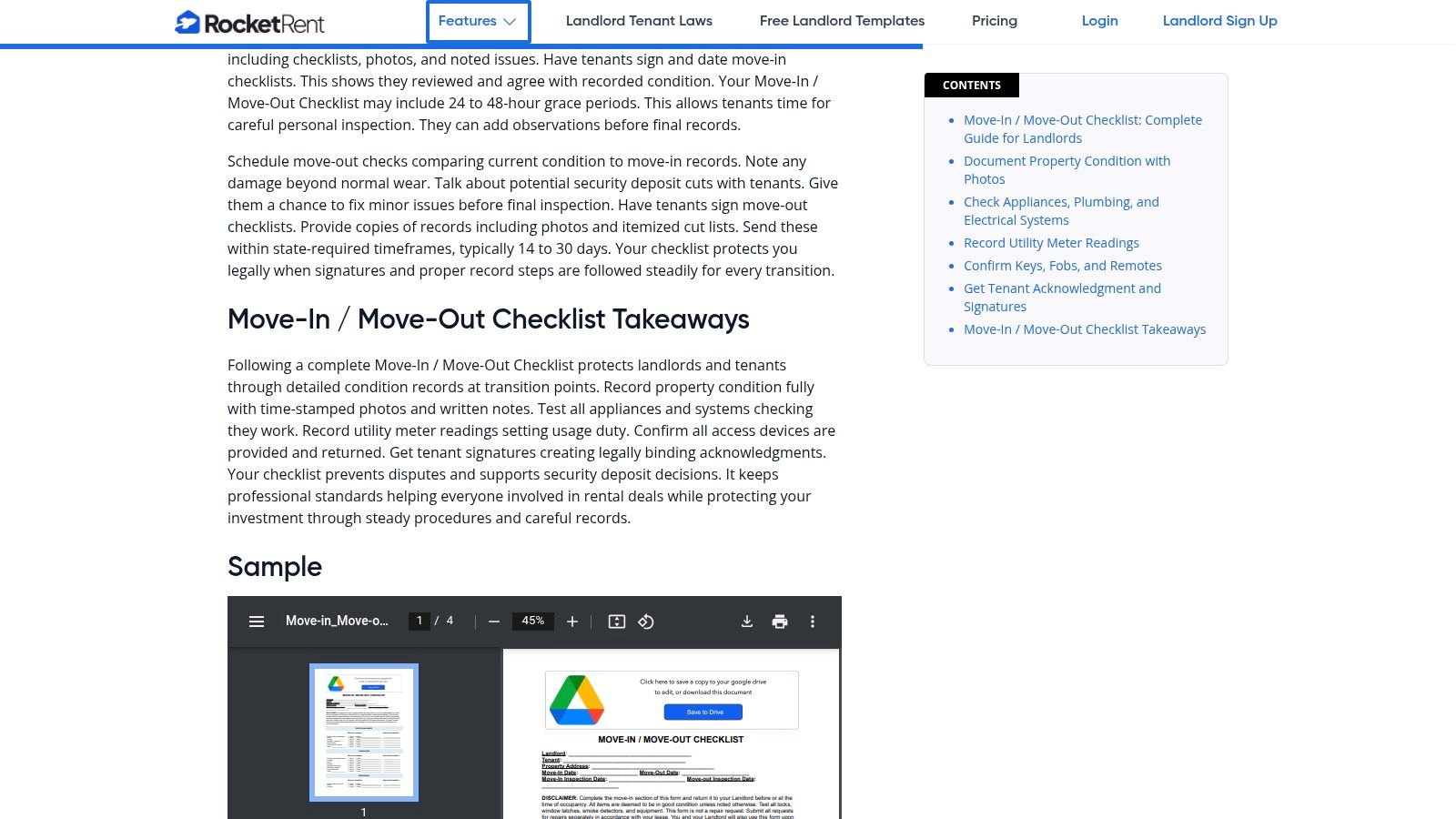
What makes RocketRent’s offering particularly useful is its clean, combined move-in/move-out layout. The template includes dedicated sections for documenting the condition of rooms, appliances, and general property areas, plus specific prompts for utility meter readings. This design simplifies the final inspection process, as you can directly compare the property’s condition against the initial report on the same document. While the template is general, its editable nature means a Texas landlord can easily add clauses relevant to their property or lease. A tenant's rights are paramount, and ensuring a thorough move-in inspection is a key part of upholding your duties as a landlord.
Practical Use and Considerations
- Best For: DIY landlords who value simplicity and want a fully editable document they can customize and print without signing up for a service.
- Access: The checklist templates are completely free to download directly from the website with no registration required.
- Pros: The multiple file formats (PDF, Word, Google Doc) offer superior editing flexibility. Its balanced layout is well-suited for both move-in and move-out inspections.
- Cons: The template is not Texas-specific, so landlords should review and customize it. It lacks built-in electronic signature capabilities, requiring a separate tool like Adobe Sign or DocuSign if you wish to avoid paper.
12. LegalZoom — Move‑In/Move‑Out Checklist (PDF)
For those who value simplicity and the assurance of a recognized legal brand, LegalZoom offers a straightforward tenant move in checklist template. This is a no-frills, instant PDF download designed for a traditional print-and-sign workflow. It features standard room-by-room fields, columns for rating the condition of each item, and clear signature lines for both the landlord and tenant, making it a reliable choice for creating a physical record.
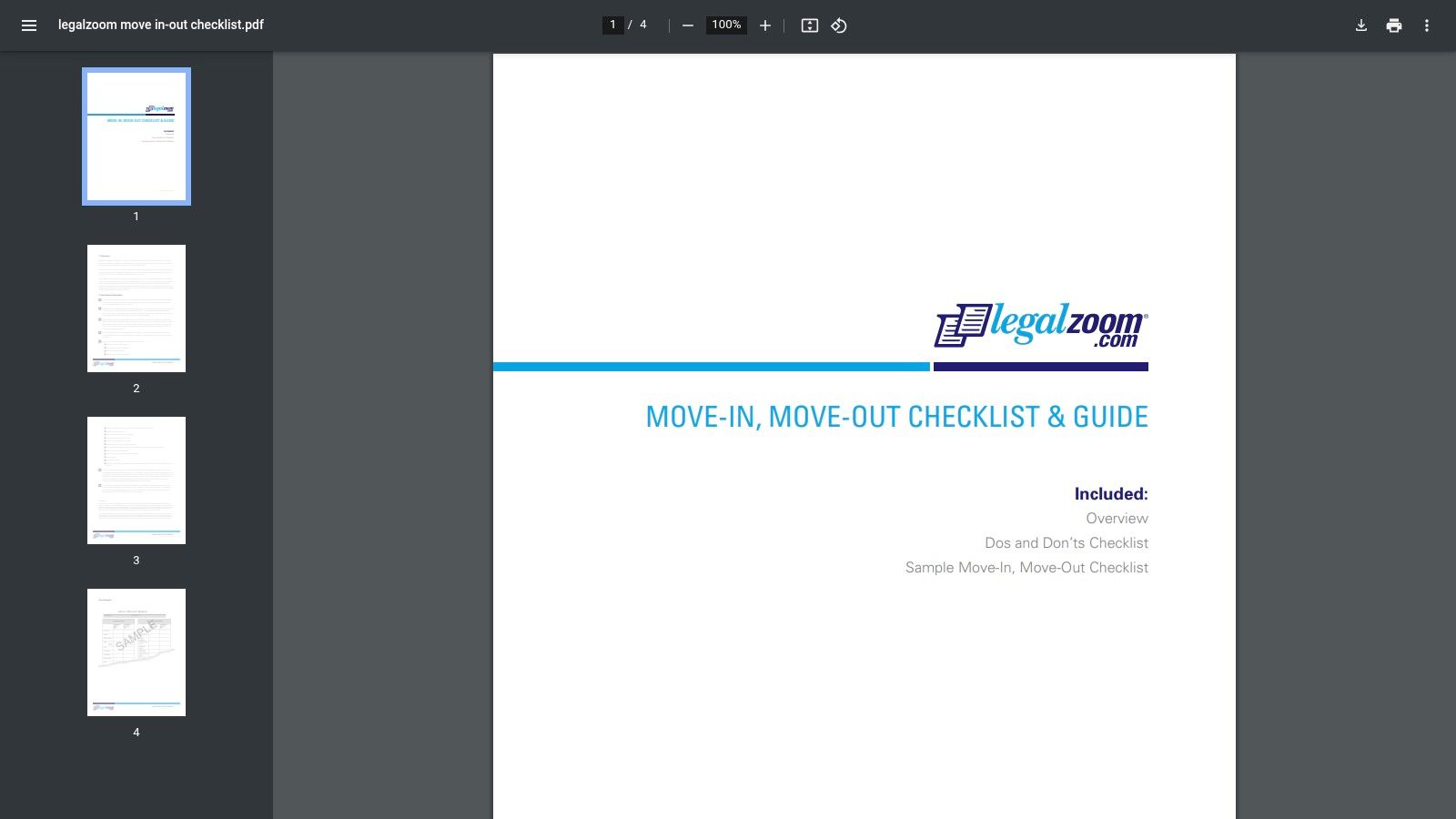
The primary advantage of the LegalZoom template is its immediate accessibility and professional, neutral design. There's no software to install or account to create, making it ideal for a last-minute inspection. While the document is generic, its association with a well-known legal services company may provide a sense of security for both parties. However, it's crucial to remember this form is not tailored to Texas law. A landlord must still separately provide the tenant with a notice containing the language required by Texas Property Code § 92.006, which states that the tenant may have the landlord install new locks after taking possession.
Practical Use and Considerations
- Best For: Landlords and tenants who prefer a simple, printable document and trust the credibility of a familiar legal brand for basic forms.
- Access: The move-in/move-out checklist is a free, direct PDF download from the LegalZoom website.
- Pros: Quick and easy to access without any software setup or registration. The familiar branding may add a layer of perceived formality to the process.
- Cons: It's a static PDF with no digital features like photo embedding or e-signatures. The template is general and does not include Texas-specific statutory clauses.
Top 12 Tenant Move‑In Checklist Template Comparison
| Item | Core features | Quality (★) | Price/value (💰) | Target (👥) | Unique selling point (✨/🏆) |
|---|---|---|---|---|---|
| Texas Security Deposit Disputes: Get Your Deposit Back Now | Legal representation, free 30‑min consult, demand letters, litigation | ★★★★★ | 💰 Free consult; fees apply for litigation | 👥 Tenants & landlords in Texas | ✨ Texas‑specific statutes & local court experience; 🏆 results‑focused advocacy |
| TurboTenant — Tenant Move‑In Checklist | Free printable checklist, digital Condition Reports, landlord dashboard | ★★★★☆ | 💰 Free basic; premium features paid | 👥 Independent U.S. landlords | ✨ Mobile condition reports with timestamps & photos |
| Avail (by Realtor.com) — Move‑In Inspection Checklist | One‑click downloadable checklist, condition codes, timing guidance | ★★★★ | 💰 Free download (blog flow) | 👥 Small landlords | ✨ Practical timing guidance; integrates with Avail tools |
| Buildium — Free Move‑In Checklist for Property Managers | PM‑oriented template, repair tracking, inspection best practices | ★★★★☆ | 💰 Free template (sometimes gated); Buildium platform paid | 👥 Property managers / portfolios | 🏆 Professional PM workflow & repair tracking guidance |
| Zillow Rental Manager (App) — Build Your Own Digital Move‑In Checklist | In‑app checklist builder, cloud photo/file storage, integrates listings/payments | ★★★★ | 💰 Included with Zillow RM (app features) | 👥 Landlords already using Zillow | ✨ Consolidates docs with applications, leases & payments |
| Jotform — Move‑In Checklist Form & Template Bundle | No‑code mobile forms, photo uploads, e‑sign, PDF/CSV export | ★★★★ | 💰 Free plan (limits/branding); paid tiers for more | 👥 Teams needing customizable intake | ✨ Highly customizable templates + exportable evidence packets |
| Rocket Lawyer — Move‑In (Pre‑Rental) Inspection Checklist | Guided questionnaire, lawyer‑reviewed template, e‑signature & cloud | ★★★★ | 💰 Free trial; membership for full access | 👥 Landlords wanting legally polished docs | ✨ Attorney‑reviewed templates with built‑in e‑sign |
| LawDistrict — Free Move‑In/Move‑Out Checklist (PDF/Word) | Editable PDF/Word templates, state‑requirement overview, room‑by‑room layout | ★★★★ | 💰 Free downloads (account sometimes required) | 👥 Landlords & tenants needing editable forms | ✨ Easy editable formats + state checklist overview |
| DoorLoop — Free Move‑In Checklist and Rental Inspection Checklist | Downloadable walkthrough checklist, photo prompts, inspection resource | ★★★★ | 💰 Download usually gated; DoorLoop platform paid | 👥 Property managers / DoorLoop users | ✨ Clear prompts for photos/notes; PM software integration |
| Texas Apartment Association — Inventory & Condition Form (Sample) | Texas‑style sample form, combined move‑in/out sections, signature lines | ★★★★★ | 💰 Public sample free; official forms often member‑only | 👥 Texas landlords & property managers | 🏆 Texas‑specific layout and common TAA timing clauses |
| RocketRent — Free Move‑In/Move‑Out Checklist | PDF/Word/Google Doc formats, meter readings, photo & signature fields | ★★★★ | 💰 Free download | 👥 Small landlords who want quick edits | ✨ Multiple editable formats (Google Doc ready) |
| LegalZoom — Move‑In/Move‑Out Checklist (PDF) | Instant PDF, room condition columns, signature areas | ★★★★ | 💰 Instant download (static PDF) | 👥 Landlords/tenants seeking trusted brand docs | ✨ Fast, familiar legal‑brand PDF for print‑and‑sign workflows |
How to Legally Protect Yourself with a Checklist
Throughout this guide, we've explored a wide range of tools designed to streamline the move-in process, from comprehensive digital platforms like TurboTenant and Avail to simple, printable PDFs from sources like LawDistrict and LegalZoom. We have seen how a well-documented tenant move in checklist template is not just a formality but a critical piece of evidence. It establishes a baseline for the property's condition, protecting a tenant's security deposit and a landlord's investment.
The core lesson is clear: documentation is your best defense. As outlined by the Texas Property Code, particularly Section 92.104 concerning security deposits, a landlord can deduct for damages beyond "normal wear and tear." Without a detailed, signed, and dated checklist complete with photographic evidence, proving what constitutes pre-existing damage versus new damage becomes a difficult, "he said, she said" argument. This single document can be the deciding factor in a security deposit dispute.
Step-by-Step Information for a Smooth Move-In
While the resources provided are excellent starting points, selecting the right one depends entirely on your needs.
- For Tech-Savvy Landlords and Tenants: A platform like Zillow Rental Manager or DoorLoop offers a powerful, all-in-one digital solution. These are ideal for managing multiple properties or for tenants who prefer a seamless, app-based experience where photos and notes are stored securely in the cloud.
- For Those Preferring Simplicity: A straightforward, printable tenant move in checklist template from sources like the Texas Apartment Association or Rocket Lawyer provides a reliable, no-frills method. The key is to be diligent, fill it out completely, and make copies for all parties.
- For Legally-Minded Individuals: Services like Rocket Lawyer and LegalZoom offer templates drafted with legal considerations in mind, often including language that aligns with state-specific property laws. This can provide an extra layer of confidence.
Regardless of the tool you choose, the implementation process is what matters most. Both landlord and tenant should walk through the property together, note every scuff, stain, or malfunction, and sign the completed form. This collaborative effort builds trust and minimizes the chance of future misunderstandings. It's a proactive step that safeguards everyone's financial and legal interests. In addition to documenting the property's condition, it is also wise to secure your personal belongings. You can compare tenant insurance options to find coverage that protects your assets in case of theft, fire, or other unforeseen events.
Taking the Next Step with Confidence
Ultimately, a tenant move-in checklist is your first line of defense. It sets the stage for a positive landlord-tenant relationship built on transparency and mutual respect. However, when disputes escalate—whether over a withheld security deposit, necessary repairs, or an unexpected eviction notice—a form alone may not be enough. This is where understanding your full rights as a Texas tenant or landlord becomes crucial.
Navigating the complexities of the Texas Property Code requires experience and a deep understanding of legal precedent. If you find yourself in a situation where communication has broken down or your rights are being violated, seeking professional legal guidance is the most effective next step. Don't let a preventable dispute cost you time, money, and peace of mind. By arming yourself with the right documentation and the right legal support from a Texas landlord tenant lawyer, you can protect your property, your finances, and your rights with confidence.
A tenant move in checklist template is an essential tool, but when a dispute requires legal action, you need an experienced Texas landlord-tenant lawyer on your side. If you need help with an eviction, lease issue, or rental dispute, contact The Law Office of Bryan Fagan, PLLC for a free consultation today.